
*This post may contain affiliate links. As an Amazon Associate we earn from qualifying purchases.
If you are looking at purchasing a Nintendo Switch then you have probably asked yourself which games you want to play on your Switch. Obviously, you do not want to buy a gaming system if you do not like any of the games that are released for the device.
Because the Switch is made by Nintendo, there is no shortage of popular games when it comes to the Switch. The big decision you have to make though is if physical or digital games are better.
Digital Nintendo Switch games are better since you don’t have to worry about changing game cartridges every time you want to play a different game. However, the massive downside to the Switch’s digital games is that you cannot resell them like you can physical cartridges.
Although there’s no one-size-fits-all winner I personally think it is preferable to purchase digital copies simply because you can’t lose them and you don’t ever have to change cartridges in your Switch ever again.
Although they both have advantages and disadvantages since the Switch is designed for portability I feel that digital games are a great choice for that reason alone.
However, since digital Switch games are not available for resale if you normally buy and sell your games after you are done using them you will want to use physical Switch cartridges instead.
If you are always playing games on the go and you want to just carry your Switch with you in your pocket, you will want to purchase digital games for your device from Nintendo’s eShop. This is because physical games can be a pain to carry around with you wherever you go.
If you only purchase digital purchases for your Switch you also don’t have to worry about your physical game cartridges getting damaged if they fall off your shelf or them getting lost either. So just using digital Switch games helps you avoid some possible issues.
If you always have your Switch in a case when you travel and you use it at your house more often than you are on the go, you might want to buy physical games. This is because they can be at your house easily accessible, and you will also be able to carry them in your Switch case when you are on the go.
There are positives and negatives when it comes to both physical and digital games for the Switch. The choice really comes down to personal preference for each user and how much portability you want or need with your games.
Some people do not like to carry physical games with them anymore as there are digital ones available. This is because it is a hassle to carry around physical games and they can also get damaged.
Other people prefer physical games because they can be purchased as well as they can also be resold once you have played through the entire game. If you have a digital version of the game you will often be able to buy them on sale however, you can never resell them like you do physical Switch games.
Another possible downside to only purchasing digital games is how much storage space they use. Rather than the games being contained on physical cartridges, your games will be stored on your Switch’s internal storage or an SD card (that you have to purchase separately).
Each Switch console (Switch, Switch Lite, & Switch OLED) all have an SD card slot that you can use to easily expand the memory of your console to allow you to download more new games, save data (game data or updates), or even to store screenshots of your gameplay.
Another thing to consider when deciding between digital and physical Switch games is your internet connection. If you don’t have a reliable internet connection at your home then purchasing physical cartridges might be a better option so you don’t have to spend forever downloading any digital titles that you purchase.
Want to take your Switch to the next level? Then check out this Nintendo Switch accessory bundle by clicking here.

Do you love your Switch but want to stand out from everyone else with the same model? Then look no further than this custom Joy-Con grip.
This Joy-Con grip will make your Switch console look amazing and you can even choose the one that fits your style the best!
Do Digital Type Games Run Better On The Switch?
What type of games you own for your Switch is not only a personal preference but there are actually differences to owning the games in digital format instead of physical. These differences include convenience as well as operation and cost.
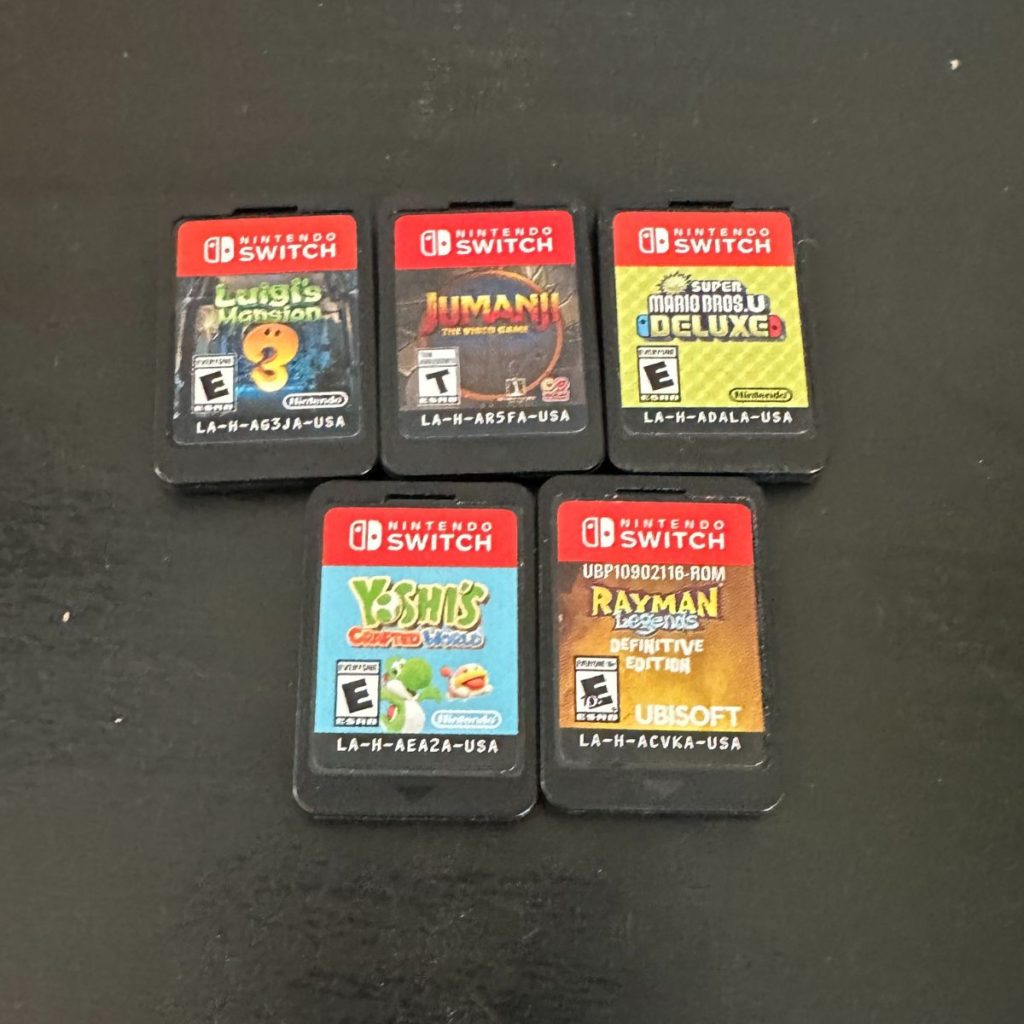
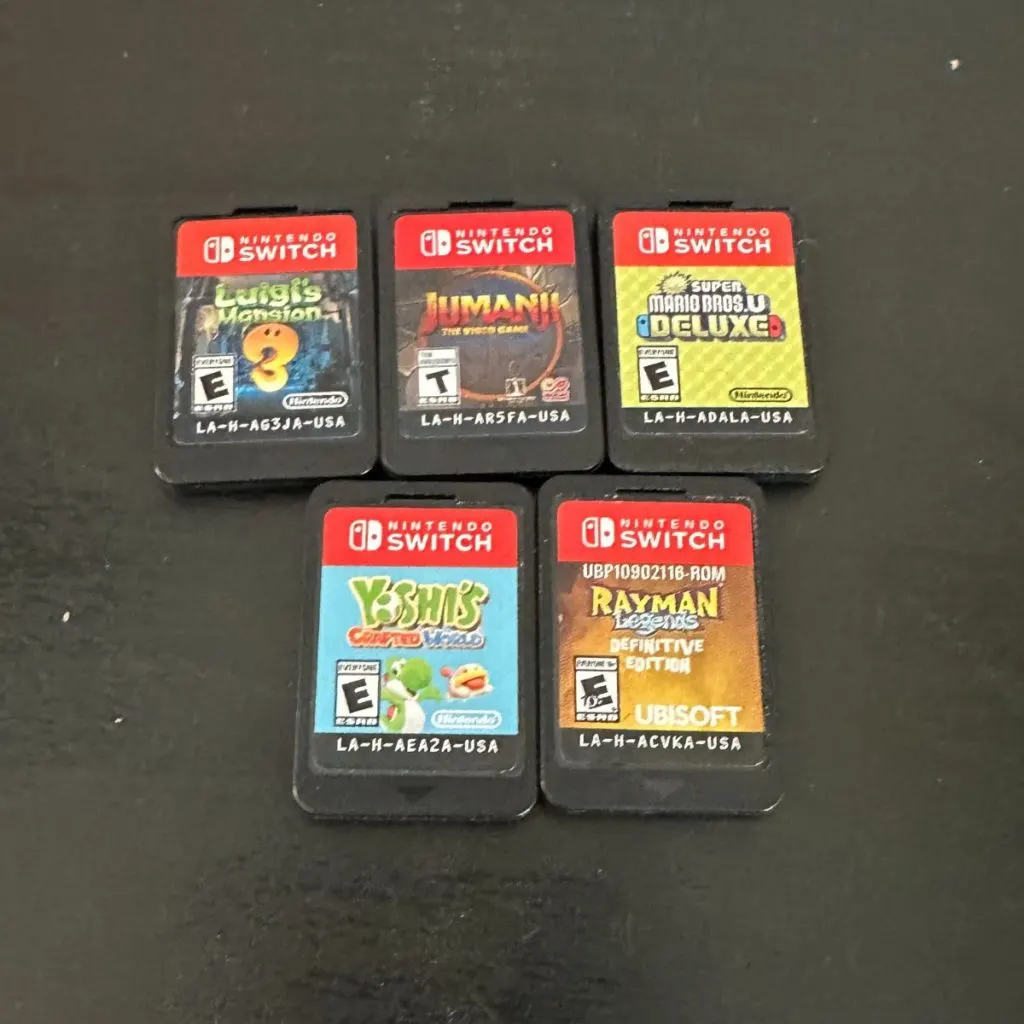
You can easily buy Switch physical games considerably cheaper than you can purchase digital ones. This is because you can purchase second-hand games from people after they have finished playing them.
If you go to purchase a digital game for your Switch you will be required to buy it brand new from Nintendo. This ensures that people do not buy a game and then resell it or give it to a bunch of their friends.
If you are considering purchasing games for your Switch you probably want to know if digital games run any differently than physical games. Just because you can get physical games cheaper does not always mean that they are better.
The only difference between digital games and physical games for your Nintendo Switch is that the digital download games will load a little faster. Besides that, they will have the exact same graphics, speed, and design and will not run any differently on your console.
Because you only save a few seconds when you load the game every time you want to play most people will simply choose to purchase the physical games as they can be considerably cheaper.
Why Are Digital Switch Games More Expensive Than Physical Games?
When it comes to purchasing games for your Switch you’ve probably noticed that digital games are often more expensive than physical ones. You would think that digital games would be cheaper as there is no cost to making them or shipping them like there are physical games though.
This has many people wondering why exactly digital games are normally more expensive than physical ones. Shouldn’t they be cheaper because they do not have to be produced and sold in a store?
Digital Switch games are sometimes more expensive than physical games because some stores will discount physical games as they clear out old inventory. However, Nintendo offers sales quite often on the E-shop so you can get specific digital games for cheaper than physical ones during those times.
Because physical copies can also decrease in price after the release date, many people will prefer to purchase physical copies rather than digital ones. If you are looking for a specific title that you want to play through and you are unable to find the physical copy it may be a better option for you to purchase the digital copy.
Do You Own The Switch Digital Games Forever?
One of the positive sides to purchasing digital download games for your Switch is the fact that they will always be available on your gaming device and you will always own it. Although that is what most people believe that is not fully the truth.
So when you buy a digital download game do you not actually own the game forever? Are digital download games just a way for companies to make more money?
When you purchase a digital download game you are actually purchasing the rights to play that game as long as the publisher wants you to. So you actually do not own the game at all, and will not be able to play the game forever. If your device ever breaks or you upgrade to a new device you will not be able to sell your digital downloads and if it is removed from their shop, you will not be able to download it even though you “own it”.
This kind of makes it seem like purchasing a digital download game is a scam. After all, why would you spend good money on a game that you do not actually own or have forever?
This is why even though physical games are more of a hassle than digital download games many people still prefer physical games for their devices. They actually get to hold the game in their possession and if they ever go to sell it they can make back some of their initial cost of the game.
Can You Download A Nintendo Switch Game From A Cartridge?
Switch games cannot be downloaded from the game cartridges onto your Switch console. If you want to change which game that you are playing you have to physically remove the game cartridge and replace it with the cartridge for another game.
Switch game cartridges do not allow you to fully download the game onto the internal memory of your Switch console. If they did you could just do that and then resell the cartridge again. So, unfortunately, when you purchased a Switch physical game you have to have the physical cartridge in your Switch to be able to play it.
Can You Save A Physical Nintendo Switch Game To An SD Card?
If you have some physical Switch games that you have purchased you CANNOT download them onto an SD card to play them on your Switch. The only Switch games that you can download onto an SD card are the digital games that you purchase and download from the eShop.
There is no way to move physical Switch games to an SD card that will allow you to still play those games on your Switch console.
Can You Lose Your Digital Switch Games?
If you purchase some digital Switch games the only way that you could “lose them” is if you get your Nintendo account banned and then also remove them from your Switch. Assuming you don’t get your Switch account banned there is no way to lose your digital Switch games (at least as long as the Switch is supported by Nintendo).
Even if you accidentally delete some digital Switch games that you have purchased they won’t actually be lost. All you have to do is go to the eShop search for the Switch game that you accidentally deleted and you can then redownload it to your console.
Conclusion
Now that you know the difference between digital and physical Nintendo Switch games you can decide for yourself which one is a better fit for you. Just because digital games are more expensive than physical ones does not always mean that they are better.
If you prefer to always be on the go you will probably want to purchase digital games to avoid the hassle of owning physical ones. If you do not mind only physical games though they are definitely the better option as you will own the game, and have something to show for the money you paid for it.
Many people believe that digital games are a scam because you do not actually own the game and the publisher can decide when or if you can play the game. It is not very likely that a popular game will be taken off of the eShop, but if you like the games that are not very popular you will definitely want to purchase the physical copy to be safe.
It does not matter if you own all physical copies, all digital copies, or even a mixture of each, playing games on your Nintendo Switch is extremely fun and will keep you happy for many years to come.