
*This post may contain affiliate links. As an Amazon Associate we earn from qualifying purchases.
Welcome gamers, to the ultimate showdown of the century, where we will determine whether the Nintendo Switch and PS4 can play together.
Yes, the Nintendo Switch and PS4 can play together, but it depends on the game and the methods you use to connect the two systems. Some games have Cross-Platform Play (also known as crossplay) support, which allows players on different consoles to play together, while others can be streamed using a PC.
However, it’s worth noting that not all games have crossplay support, so you’ll need to check the specific game you want to play to see if it’s possible to play with players on the other console. Exclusive games, which are only available on one specific console (like all first-party Nintendo games), will be a barrier to play together.
In general, it’s best to check the specific game and its crossplay support before trying to play with friends on different consoles.
Are you ready to find out more about if you can finally play your favorite games with your friends who own different consoles? Buckle up, grab a controller, and let’s dive in!
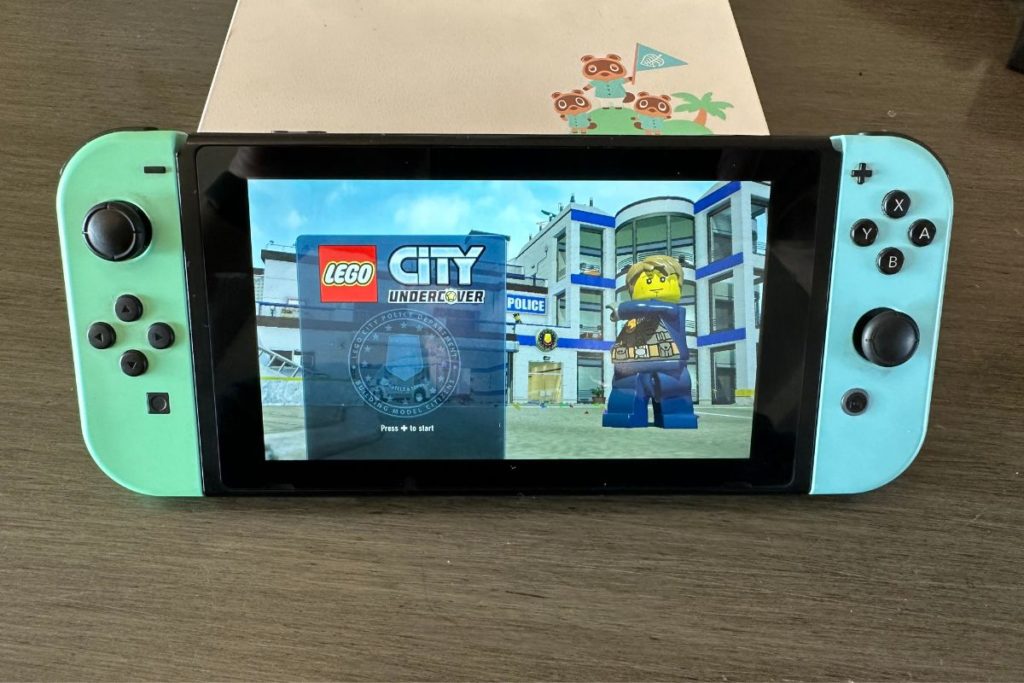
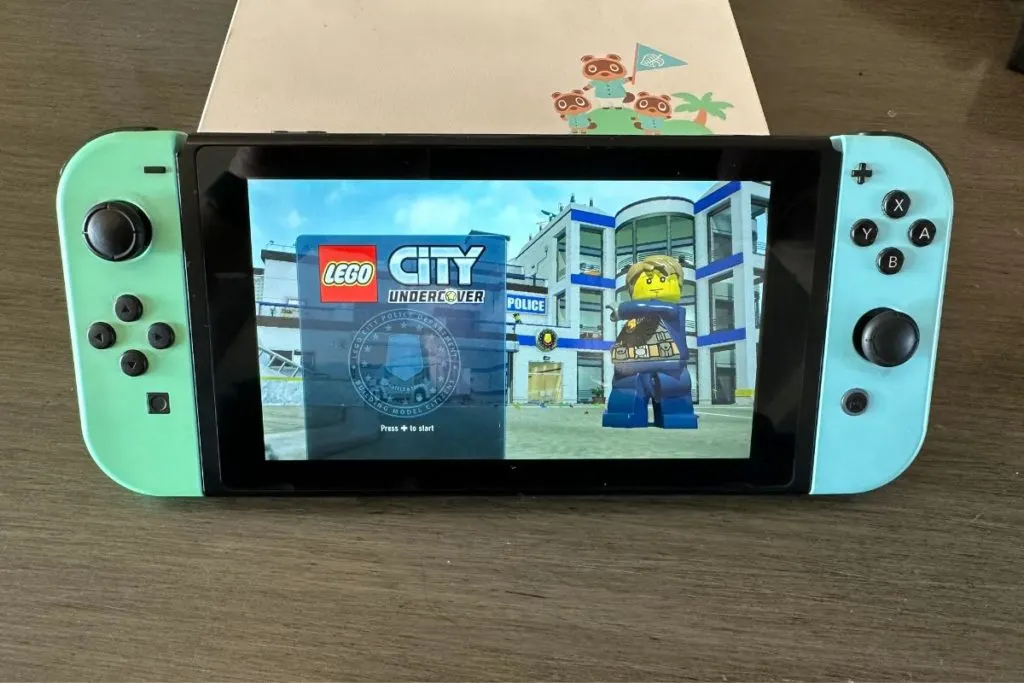
PS4 and Nintendo Switch Game Crossplay
Can the Switch and PS4 play together? The short answer is yes, but it’s a bit more complicated than that. While the Switch and PS4 are not directly compatible, there are ways to connect the two systems and play games together.
One option is to use a “Cross-Platform Play” feature, which allows players to connect and play with friends on different consoles. However, not all games support this feature, so you’ll need to check the game’s description or website to see if it’s available.
Another option is to use a PC as a bridge between the two systems. By connecting your Nintendo Switch and PS4 to a PC, you can use software such as “Parsec” or “Moonlight” to stream games from one console to the other, allowing you to play games together.
Adding friends on PS4 and Nintendo Switch:
Adding friends on the Switch and PS4 is relatively easy.
On the Switch, you can add friends by using their Nintendo Account or by scanning their friend code. On the PS4, you can add friends by using their PSN ID or by searching for them by name.
However, keep in mind that you can only play games together with friends who have the same game as you. So, if you want to play “Fortnite” with your friend who has a PS4, you both need to have a copy of the game.
Unfortunately, you can’t add friends onto your Switch and then play with each other if they have a PlayStation. In that case, you will need to add them as a friend inside the specific game that has crossplay so you will be able to play together. If you are playing a crossplay game from Epic Games you will want to add friends on your Epic Games account so you can play with or against each other.
Xbox Compatibility With The Switch
So, can the Switch play with Xbox? The short answer is yes, but again, it depends on the game.
Some games, such as “Fortnite” and “Minecraft”, have crossplay support and will allow you to play with friends on Xbox, Switch, and other consoles. But other games, such as “The Legend of Zelda: Breath of the Wild” and “Red Dead Redemption 2”, do not have crossplay support, so you won’t be able to play them with your Xbox-owning friends.
Popular games for PS4 and Nintendo Switch:
When it comes to games, both the PS4 and Switch have a wide variety of options to choose from. On the PS4, some popular games include “The Last of Us Part II”, “Spider-Man: Miles Morales”, and “Death Stranding”.
On the Switch, some popular games include “Animal Crossing: New Horizons”, “Super Mario Odyssey”, and “The Legend of Zelda: Breath of the Wild”. While both systems have great games, the graphics and gameplay can vary between the PS4 and Switch versions of the same game (and of course many Nintendo games won’t be available on the PS4 and vice versa).
So, you’ll want to check the game’s description or website to see if the version on the Switch is as good as the version on the PS4 and even if that game is available for the specific console that you own.
Multiplayer games for PS4 and Nintendo Switch:
When it comes to multiplayer games, both the PS4 and Switch have a lot to offer. On the PS4, some popular multiplayer games include “Call of Duty: Warzone”, “Fortnite”, and “Apex Legends”. On the Switch, some popular multiplayer games include “Splatoon 2”, “Mario Kart 8 Deluxe”, and “Animal Crossing: New Horizons”.
While both systems have great multiplayer options, the online multiplayer features can vary between the PS4 and Switch versions of the same game. For example, “Fortnite” on the PS4 has a much larger player base and more advanced graphics compared to the Switch version.
But, on the other hand, “Splatoon 2” on the Switch has exclusive features such as the “Squid Jump” multiplayer mode, and that game is not even available on the PS4.
Exclusive games for PlayStation and Nintendo Switch:
Exclusive games are games that can only be played on one specific console. Both the PS4 and Nintendo Switch have a variety of exclusive games that you won’t be able to play on the other console.
On the PS4, some popular exclusive games include “The Last of Us Part II”, “Spider-Man: Miles Morales”, and “Death Stranding”. These games are only available on the PS4, and you won’t be able to play them on the Switch.
On the Nintendo Switch, some popular exclusive games include “Super Mario Odyssey”, “The Legend of Zelda: Breath of the Wild”, and “Splatoon 2”. These games are only available on the Nintendo Switch, and you won’t be able to play them on the PS4.
It’s worth noting that some exclusive games may later be re-released on other consoles or PC, but for the most part, you’ll need to own the specific console to play these games. So, if you’re a big fan of exclusive games, you might want to consider which console has the exclusive games that interest you the most.
Can the Nintendo Switch play Xbox-exclusive games?
The short answer is no, the Nintendo Switch cannot play Xbox-exclusive games, as the Xbox and Switch are completely different systems and don’t have the capability to play games from each other.
However, some games that are exclusive to the Xbox may be later released on other platforms, such as the PC, so you might be able to play them on your PC instead.
Crossplay support for games on the PS4 and Nintendo Switch
Crossplay support refers to the ability for players on different consoles or devices to play together in the same game. Not all games have crossplay support, but more and more games are adding it as a feature.
On the PS4, games such as “Fortnite” and “Minecraft” have crossplay support, allowing you to play with friends on the Nintendo Switch, Xbox, and other consoles. Although crossplay is a nice feature to have many games don’t have it even if the game is available on multiple consoles. So although playing Fortnite, Minecraft, Fall Guys, etc. across many different consoles is possible it won’t be possible on many other games.
Conclusion:
In conclusion, the Nintendo Switch and PS4 can play together, but it depends on the game and the methods you use to connect the two systems. Some games have “Cross-Platform Play” support, while others can be streamed using a PC.
Exclusive games are only available on one specific console, so you’ll need to decide which console has the exclusive games that interest you the most. And while the Nintendo Switch can’t play Xbox-exclusive games directly, some games that are exclusive to the Xbox may be later released on other platforms, such as the PC or Switch.
Overall, whether you’re a Nintendo Switch player or a PS4 player, there are plenty of options available for you to play with your friends, both on the same console or crossplay.