
*This post may contain affiliate links. As an Amazon Associate we earn from qualifying purchases.
Hey there music lovers! So, you’ve decided to jump on the vinyl train and invest in some sweet, sweet wax. But wait a minute, do you actually know how to make these vinyl records work?
I mean, sure, you know how to play them and maybe even how to clean them (hopefully), but do you really know what’s going on beneath that groovy label?
Well, don’t worry, my dear friends, because I, your resident vinyl enthusiast, am here to educate you on the mysterious inner workings of the humble vinyl record. So, grab a drink, sit back, and get ready to become a vinyl master.
First things first, let’s define what exactly vinyl records are and how they differ from other music formats.
Vinyl records are physical analog recordings of music that are played on a turntable, unlike digital formats like CDs and streaming services which use code to produce sound. They have been around since the late 1800s and were the main way people listened to music until cassette tapes, CDs, and digital music took over.
But in recent years, vinyl has seen a resurgence in popularity, and for good reason, they just sound better, folks.
How Do Vinyl Records Work?
Oh boy, where do I start? Vinyl records, also known as “those things your hipster friend won’t shut up about,” are basically just a fancy way of listening to music.
But how do vinyl records work?
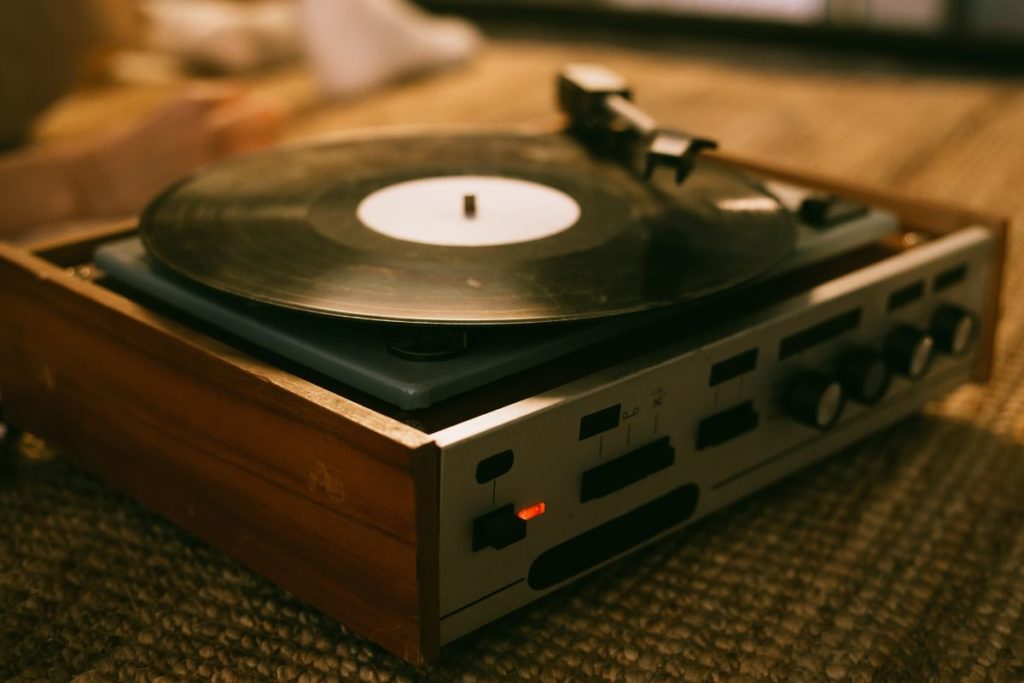
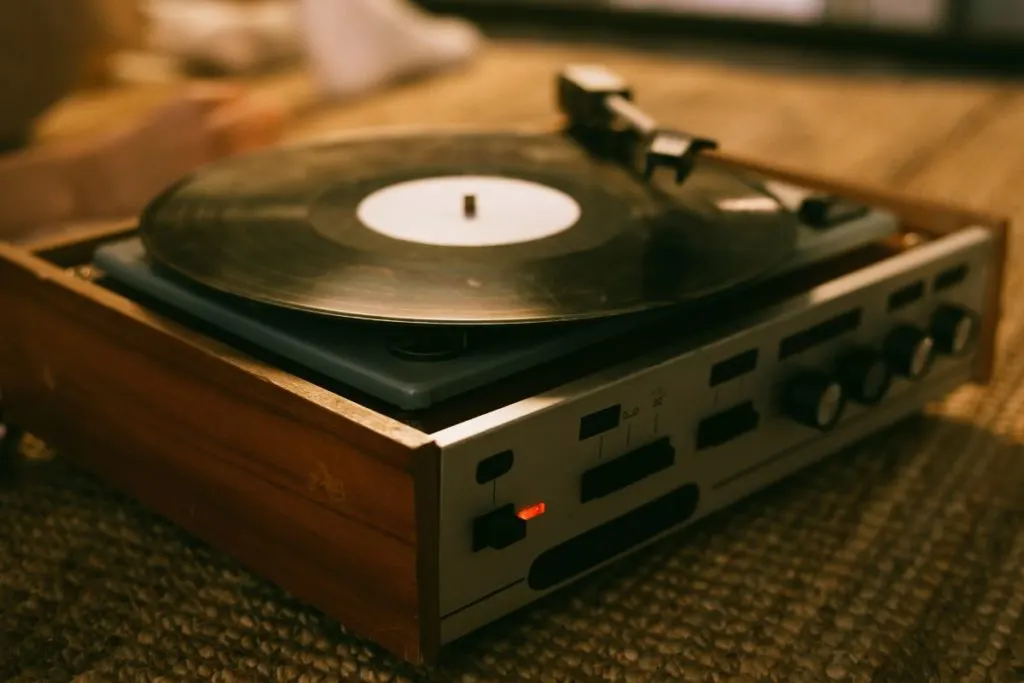
At their core, records are just a big ol’ piece of vinyl plastic with grooves etched into them. Vinyl records work when you put that plastic on a turntable and drop a needle on it.
Then turn the player on and watch your vinyl record work. By spinning on a record player you can watch the LP magic happen.
The needle follows the grooves and vibrates, sending electrical signals to your speakers which then play the sweet, sweet sounds of your favorite band. But let’s be real here, the real magic of vinyl is in the nostalgia.
Sure, vinyl might not have the crisp audio quality of a digital file, but there’s just something about the ritual of putting on a vinyl record, the crackle of the needle as it hits the groove, and the feeling of holding a tangible piece of music in your hands that makes it all worth it.
Plus, it’s a perfect excuse to buy a cool-looking turntable and show off to your friends.
Anatomy Of Vinyl
Ok, now let’s get into the nitty-gritty of a vinyl record. We’ll start with the obvious, the vinyl disc. This is the part of the vinyl that contains the grooves that the stylus (that’s the fancy needle for all you newbies) will follow to create sound.
Then there’s the label and packaging. The label is the fancy design on the front of the vinyl record (in the middle) that tells you what’s on it, and the packaging is what keeps it all together. But let’s be real, the packaging is just there to look pretty.
I mean, have you ever looked at the packaging of an LP and thought “Wow, this is really going to add to the listening experience”? No, didn’t think so.
And finally, the record grooves. These are the little working lines that the stylus will follow to create the sound from the vinyl recording. And the more grooves, the more music you can fit on a record.
But remember, the grooves also mean that the more you play a record, the more worn out it will become. That’s just how records work.
So, you know, maybe don’t play that rare record a million times a day.
How the Sound is Produced With A Record Player
So, how exactly do sound waves come out of these grooves from a recording? It’s a combination of science and magic, my friends.
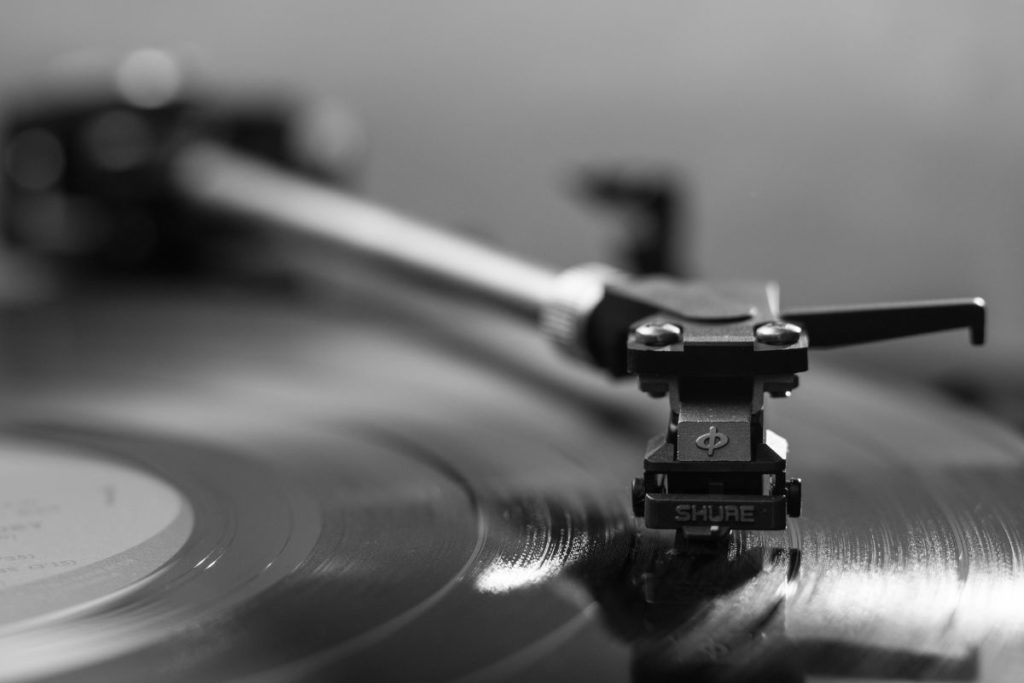
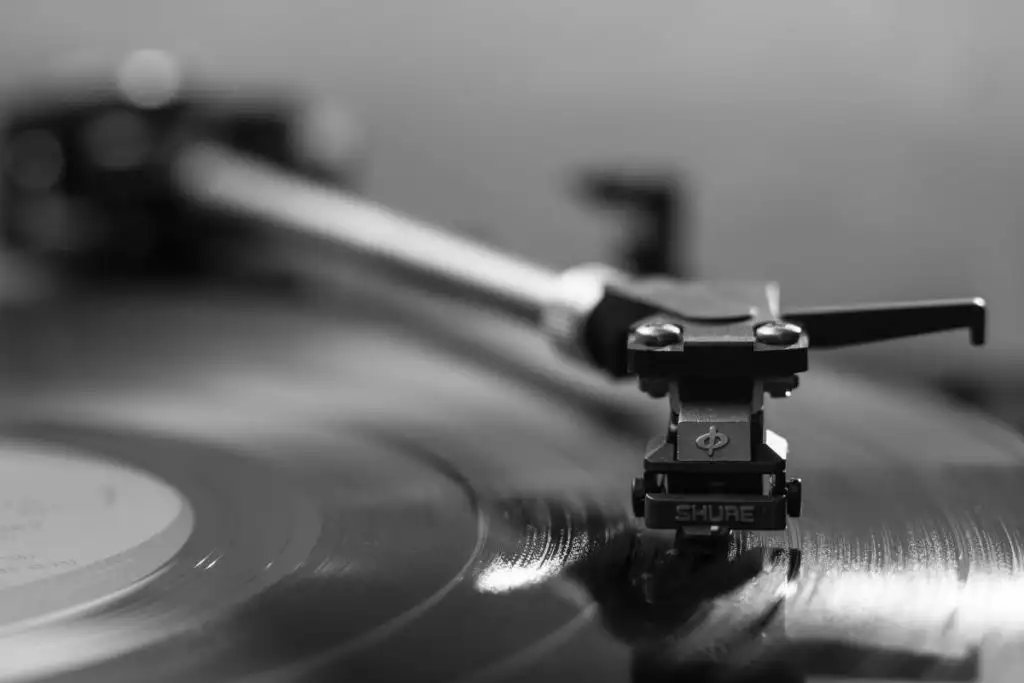
The stylus (also known as the needle) will follow the grooves, picking up the vibrations in the record and converting them into electrical energy. These signals then travel through the cartridge and into your amplifier, which will then make the sound louder and send it to your speakers.
The out of the speakers come waves of sound from the recorded music.
But wait, there’s more!
Because vinyl is analog recordings, that means that the sound is continuous and not broken down into digital bits. And that’s why vinyl sounds so warm and rich, because it’s capturing the full spectrum of sound.
So, you know, it’s science and magic, but mostly science.
Vinyl Record Maintenance
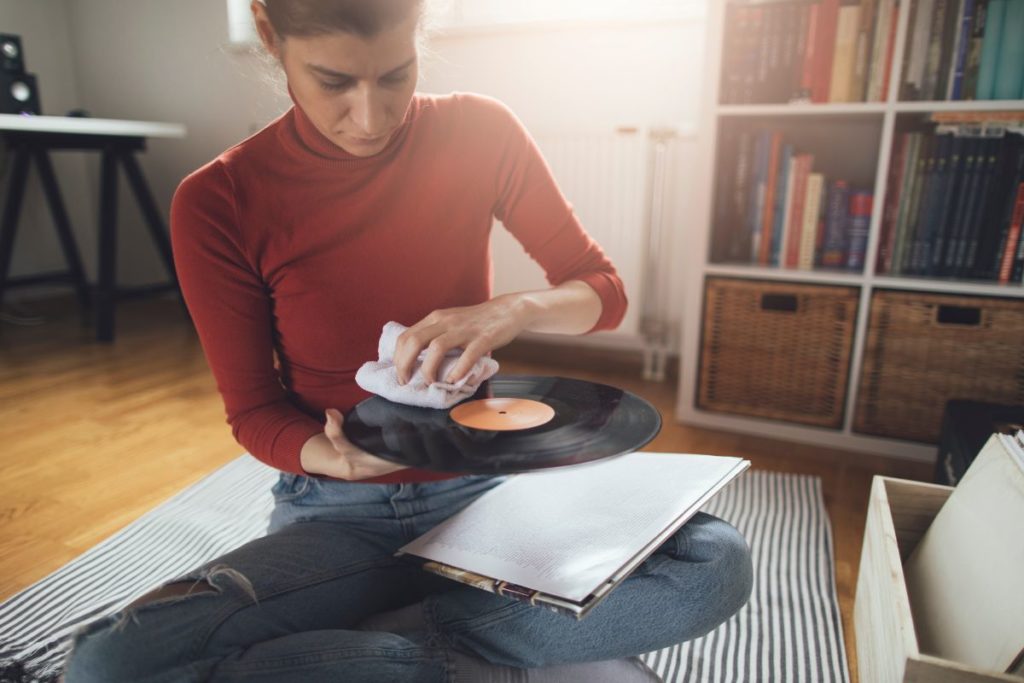
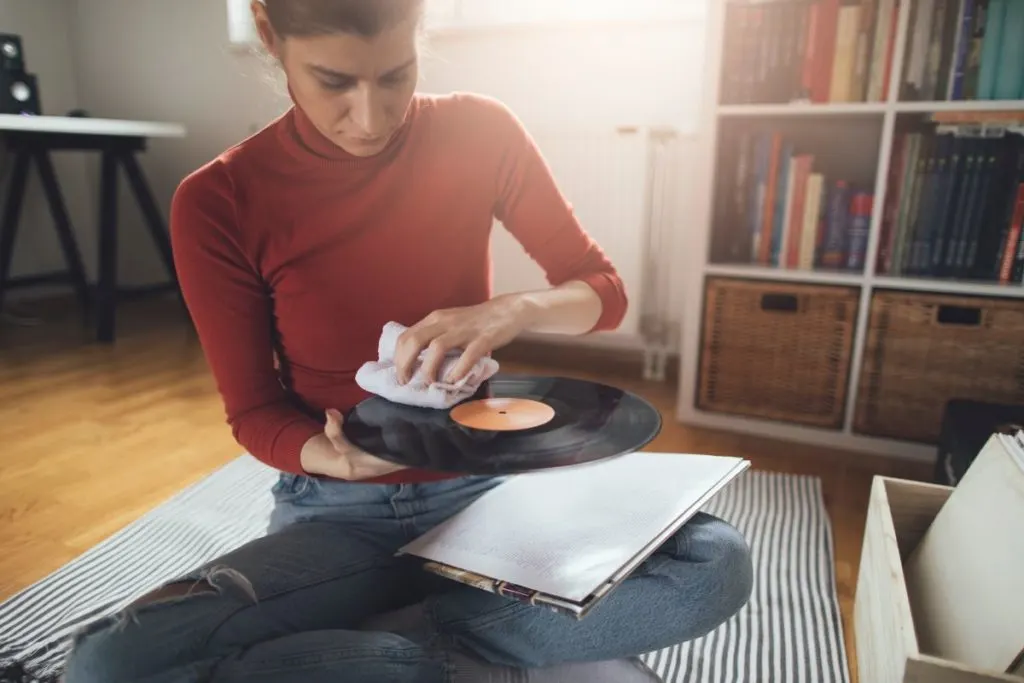
Now, let’s talk about how to properly care for your beloved vinyl. First, you need to know how to clean them. And no, you can not just use a damp rag like you would with your kitchen counters.
You’ll want to use a special cleaning solution and a brush specifically designed for cleaning records. Trust me, it’s worth the investment to keep your records in tip-top shape.
Next up, storage. You’ll want to keep your records in a cool, dry place, away from sunlight, and preferably in a protective sleeve. And please, for the love of all that is holy, do not stack your records on top of each other.
Unless you want to have a bunch of warped, unplayable records, in which case, go right ahead.
And last but not least, if you do happen to accidentally scratch or damage a record, all is not lost. There are ways to repair them, such as using a record filler or even a banana (yes, you read that right, a banana).
But let’s just try to avoid damaging them in the first place, shall we?
The Analog vs Digital Debate
Now, I know some of you out there might be thinking, “But what about digital? Isn’t that better?” And to that, I say, pfft! Just kidding, kind of.
Analog recordings, like vinyl, capture the full spectrum of sound and have a warmth and richness to them that digital recordings just can’t match. However, digital recordings do have their advantages such as convenience and the ability to skip tracks.
It’s all a matter of personal preference. But let’s be real here, nothing beats the experience of holding a physical record in your hands and the ritual of dropping the needle.
Playing Vinyl Records On Record Players
Alright, now that we’ve covered the basics, let’s talk about how to properly play your records. First, you’ll need a turntable. And no, the one built into your old stereo from college is not going to cut it.
You’ll want to invest in a quality turntable that is properly calibrated.
Next, you’ll need to properly cue and drop the needle. This means placing the needle on the outside groove of the record and gently moving it to the beginning of the song you want to play. And for the love of all that is good, please do not just drop the needle anywhere.
You’ll scratch the record and make the stylus jump and skip. And trust me, nobody wants to listen to a skipping record.
Lastly, you’ll need to adjust the tracking force and anti-skate to make sure the stylus is sitting in the groove correctly. This might sound like a lot, but once you get the hang of it, it will be second nature.
History of Record Players
Where do I start with the history of record players? Let’s just say it’s been quite the wild ride. I mean, can you imagine a world without the ability to play music on a physical medium? Mind-blowing, right?
It all started back in the late 1800s with the invention of the phonograph (when Edison invented it), also known as the “talking machine.” This contraption was like a miracle of technology at the time – you could actually record your own voice and play it back!
But let’s be real, it was pretty clunky and sounded like a robot with a cold.
Fast forward a few decades and the record player, or gramophone, as it was called back then, became a household staple (as the production went mainstream). People would gather around the giant wooden box and listen to their favorite songs on 78 rpm records.
It was like a social event! Can you imagine inviting your friends over for a record-listening party now? Yeah, didn’t think so.
But as technology progressed, so did the record player. The invention of the 33 1/3 rpm record, also known as the “long-playing” record, revolutionized the way we listened to music. No longer did we have to constantly flip the record while listening to its playback halfway through a song.
Imagine that – being able to hear an entire metal album in one sitting! Mind-blowing, I know.
And as the decades went on, the record player evolved even further. With the introduction of the compact disc and digital streaming, the record player became more of a nostalgia piece than a necessity.
But let’s be real, there’s nothing quite like the sound of a vinyl record and the nostalgia of flipping it over halfway through an album. It’s a feeling you just can’t replicate with a streaming service.
So there you have it folks, the history of record players in a nutshell. From clunky talking machines to nostalgic vinyl spinners, it’s been quite the journey. But let’s be real, no matter how advanced technology gets, the record player will always hold a special place in our hearts. Or at least in our retro-inspired living rooms.
Final Thoughts
So there you have it, folks. Everything you need to know about the mysterious and magical world of vinyl.
From anatomy to mechanical energy to the analog vs digital debate, you’re now a vinyl information pro. Now, go forth and enjoy all the warm, rich sounds that vinyl has to offer.
How many times can a vinyl record be played?
On average, a record can be played around 1,000 times before the grooves start to wear down. Exactly how many times it can be played depends on the condition of the record and the quality of the equipment you’re using.
Is it okay to stack records on top of each other?
You should never stack records on top of each other for anything more than a minute or two. Stacking your records will warp your records and make them unplayable.
How long do records last?
With proper care and storage, a vinyl record can last for decades.
How can I check if my records are in good condition?
Before playing a record, give it a visual inspection to see if there are any cracks or deep scratches. You should also give it a gentle clean to remove any dirt or debris. And when you play it, listen for any pops or skips, which could indicate that the record is worn out.
Can records be cleaned with water?
No, do not clean your records with water. You should use a specific cleaning solution and a brush designed for cleaning records.