
*This post may contain affiliate links. As an Amazon Associate we earn from qualifying purchases.
Hey there, vinyl enthusiasts! Are you tired of being the only person in your group of friends who knows how record players actually work? Everyone knows how to work fancy modern components but no one has even heard of the components of a record player let alone listened to a record player’s format.
The mechanical sound that record players produce is much better than the electric sound quality that comes out of your phone (at least in my opinion). So that’s why it’s good to learn more about these players.
Well, have no fear, because I’m here to break down the mystery and make you the resident expert on all things vinyl so you know exactly how they work.
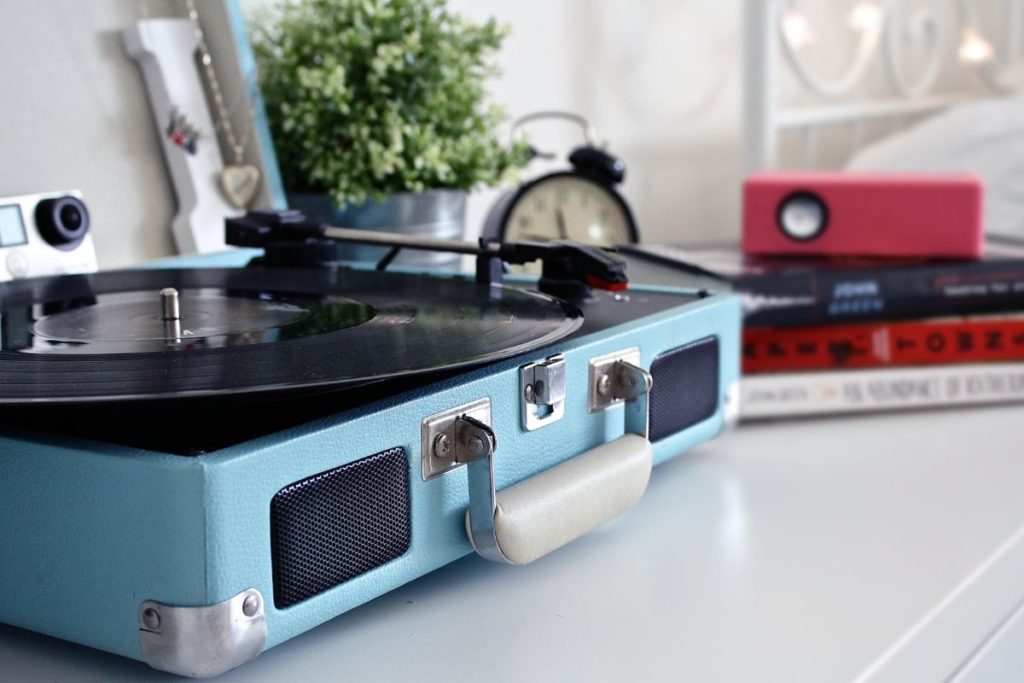
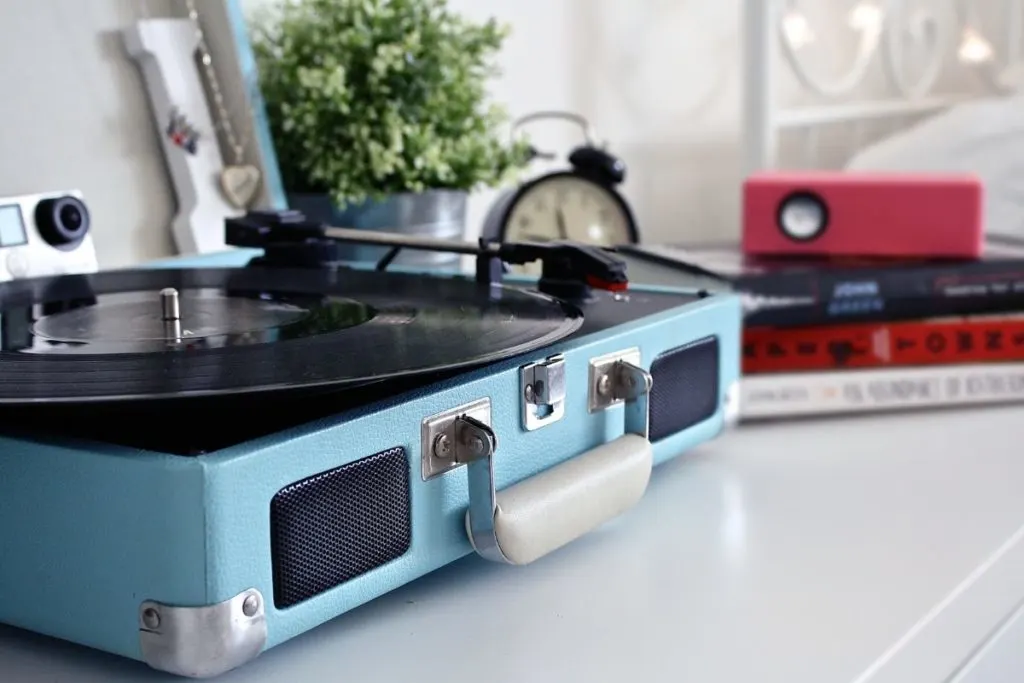
Record players, also known as turntables, are a device that plays vinyl records. In case you’ve been living under a rock for the past century, vinyl records are these big, round discs that were all the rage before the invention of the iPod.
But unlike digital music, vinyl records have a warm, analog sound that just can’t be replicated.
History of the Record Player: The Phonograph
First off, let’s talk about the inventor of this monstrosity, Thomas Edison. I mean, seriously, what was this guy thinking? Did he not realize that people would eventually have to deal with the hassle of constantly flipping records and dealing with scratches?
But no, he had to go and put in the work and invent the phonograph in 1877. And of course the rest is history.
Next, we have the evolution of the phonograph. From the early days of the cylinder phonograph, to the invention of the flat disc phonograph, to the development of the portable phonograph, and finally the invention of the automatic record changer.
Talk about a headache. Can you imagine the work in having to constantly change records manually? Oh, the horror.
But let’s not forget about the rise of the phonograph in popular culture. Suddenly, everyone and their grandma had a phonograph in their living room, and it was all the rage to have the latest and greatest records to show off to your friends.
But let’s be real, half the time, no one was even paying attention to the music, they were too busy admiring the work of the phonograph itself.
And let’s not forget about the downfall of the phonograph. With the invention of the cassette tape, the CD, and eventually, the digital music players, the phonograph became a thing of the past.
But let’s be real, it’s still pretty cool to have a vintage phonograph in your living room, even if it’s just for show.
Overall, the phonograph was a wild ride, with its ups and downs, but it’s a part of history that will always be remembered, whether we like it or not.
The Anatomy of a Vinyl Record Player (How Record Players Work)
Now, let’s get into the nitty-gritty details of what makes record players work. To know how record players work you need to know the parts that they are comprised of.
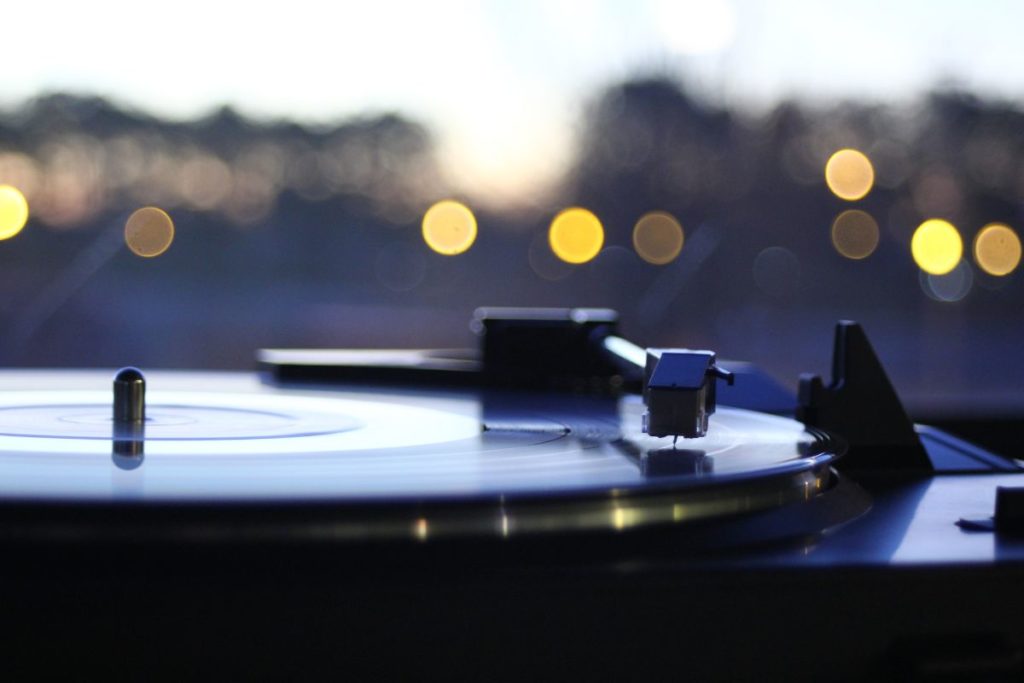
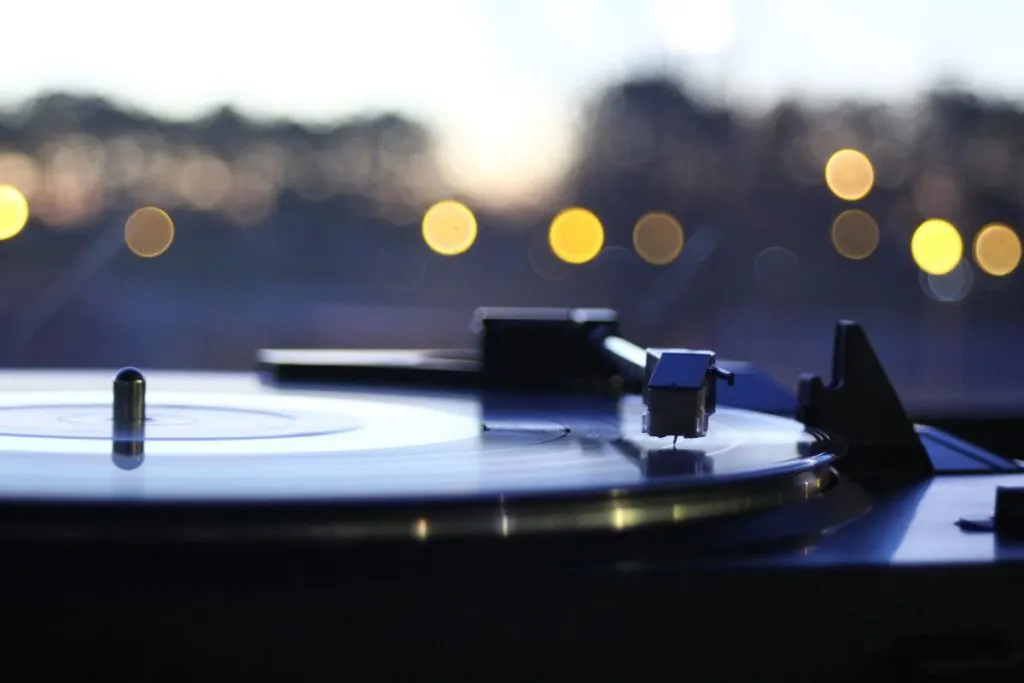
A turntable is composed of several main parts: the platter, the tonearm, the cartridge, and the stylus.
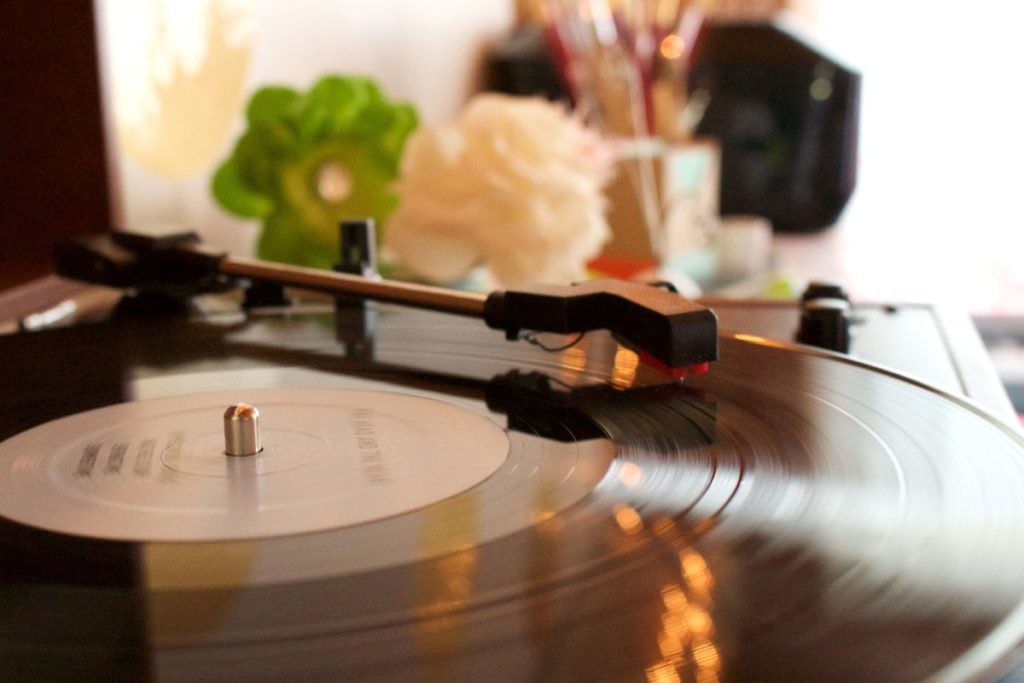
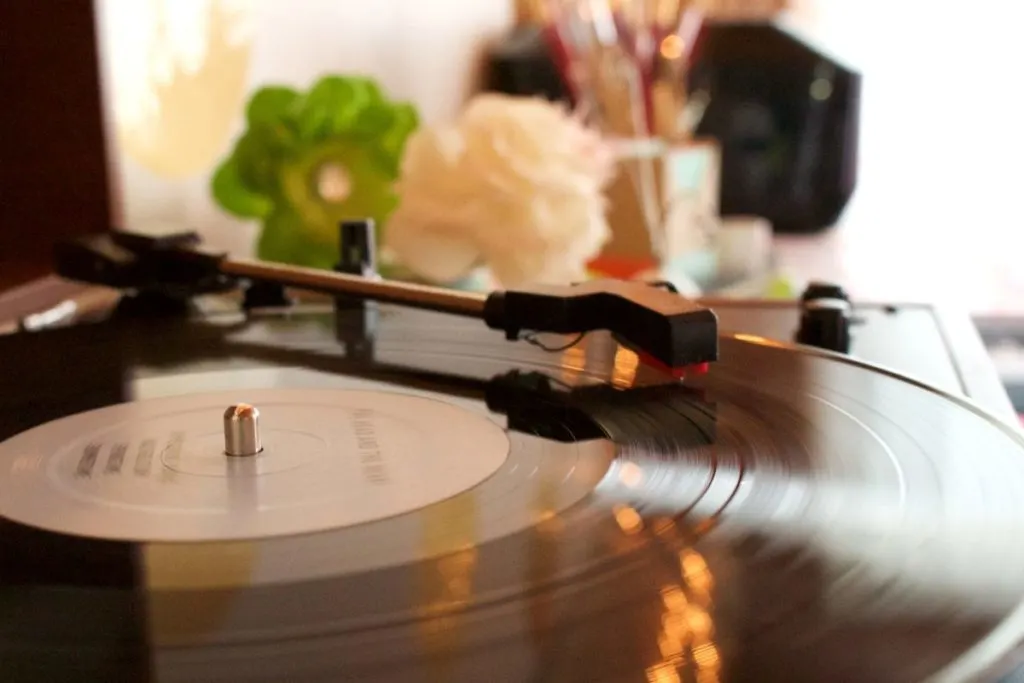
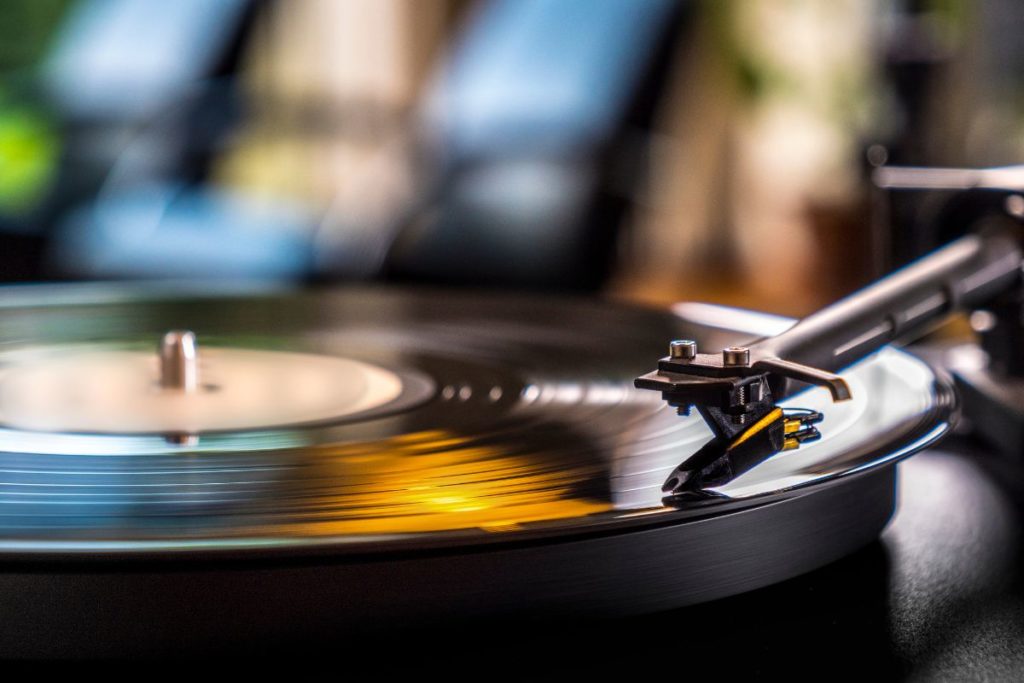
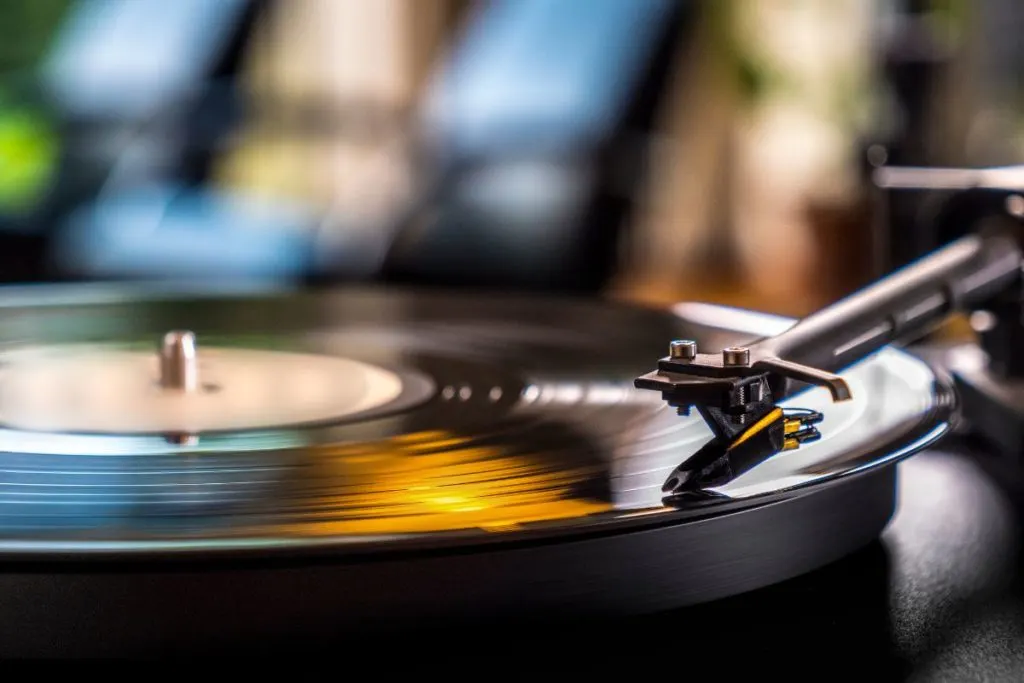
The platter is the big, rotating part that the record sits on. The tonearm is the thin, arm-like piece that holds the cartridge and stylus in place above the record. Cartridges are the little gadget that converts the physical vibrations of the record into an electrical signal, and the stylus (or needle) is the tiny point that actually comes into contact with the record.
When you place a record on the platter and turn the turntable on, the platter spins and the stylus follows the grooves in the record, creating vibrations. These vibrations are then picked up by the cartridge, converted into an electrical signal, and sent back to your record player’s speakers to produce sound.
Nothing like a little science to make you feel cool, right?
Types of Record Players
Now, not all turntables are created equal. There are three main types of record players: belt-drive, direct-drive, and idler-drive. All of them work similarly to each other but they aren’t exactly the same.
Belt-drive turntables use a rubber belt to connect the platter to the motor, which is supposed to reduce noise and vibration. Direct-drive turntables have the motor built into the platter itself, which is supposed to improve accuracy and speed. And idler-drive turntables use a wheel to connect the platter to the motor, which is supposed to create a vintage feel.
Personally, I prefer direct-drive turntables because I like my music fast and accurate, but it really comes down to personal preference as each option could work better in your case.
Maintenance and Care of the Turntable/Record Player
Now that we’ve got the basics down, let’s talk about keeping your LP turntable in tip-top shape.
First of all, it’s important to keep your record players and your vinyl record clean. Dust and dirt can collect on the stylus, which can scratch your vinyl record and reduce the sound quality of your record player.
Clean your records with a carbon fiber brush before they are played and use a stylus cleaner to clean your stylus.
Also, you should make sure that your record player is level and stable, otherwise, your records may be scratched or your sound quality may be affected.
Another thing to keep in mind is that the stylus will wear out over time, so it’s important to replace it every so often. Check your record players manufacturer’s recommendations for replacement intervals
Choosing the Right Record Player for You
Now that you know how your record player works and how to take care of it, you might be wondering how to choose the right one for you. Well, first things first, you need to consider your budget.
If you’re just getting into vinyl, it’s probably best to start with entry-level record players. These can be found for a reasonable price and will get the job done, but they might not have all the bells and whistles of a more expensive model.
If you’re an audiophile and willing to splurge a bit, then you might want to consider a high-end turntable. These usually have better sound quality, but they also come with a higher price tag.
You should also consider what you’ll be using the turntable for.
Will you be DJing with it? Then you’ll want a direct-drive turntable. Will you be listening to an old 78 RPM vinyl record? Make sure they are played properly by the turntable.
Lastly, do your research and read reviews. Ask other vinyl enthusiasts for recommendations. And remember, you can’t really go wrong with any turntable as long as you’re playing records.
The Future of Record Players
Now, you might be wondering where record players fits in today’s digital age. Well, I have some good news for you. Vinyl is making a comeback!
People are rediscovering the warm, analog sound of vinyl and record sales have been on the rise in recent years.
So, while record players may not be the dominant form of music playback, it’s still very much alive and well. And, let’s be real, there’s just something special about physically holding a record and watching it spin on the turntable.
It’s an experience you can’t get from streaming music on your phone.
Setting Up Your Record Player
So, you’ve got your new turntable (or multiple record players) and you’re ready to start spinning your vinyl record. But wait, don’t plug it in just yet! First, make sure you’ve unpacked and assembled your turntable correctly. Refer to the manual for guidance.
Next, you’ll want to calibrate the tonearm and tracking force to ensure that your stylus is properly aligned with your record player and your vinyl record isn’t being damaged. Again, refer to the manual for instructions.
Finally, set up your speakers and make sure they’re in the correct position. You don’t want to be blasting your music in the wrong direction!
Listening to a Record (How Sound Waves Work)
Now, it’s time to finally play that record you’ve been waiting to hear. But before you do, remember to handle it with care. Hold the record by the edges and avoid touching the playing surface as much as possible.
When you’re ready to play the record, gently place it on the platter, lower the tonearm onto the outside of the record grooves, and enjoy the sound waves of the music as they wash over you.
And when you’re finished listening, be sure to store your vinyl records properly. They should be kept vertically, in a cool, dry place, and away from direct sunlight. This will ensure your vinyl record stays in the best possible condition and are ready to go on the player the next time you want to listen to them.
How do I know if my record player is working properly?
You should be able to hear sound coming from your speakers and the record should be spinning smoothly on the platter. If you’re experiencing any issues, refer to the manual or consult with the manufacturer.
How do I properly clean my records?
To clean your vinyl record use a carbon fiber brush to gently remove dust and dirt before playing. You can also use a cleaning solution specifically made for vinyl records.
Final Thoughts
Well, there you have it! You are now officially a record player expert (and it beats being a stereo expert).
A modern record player works almost exactly the same as an older player. It takes the sound from the record and puts it out of the speakers. Old and new products work almost identically which is what makes the record player such a timeless machine.
You know how it works, how to take care of it, and how to choose the right one for you. Remember to always handle your vinyl record with care, to keep your turntable clean and stable, and to enjoy the warm, analog sound of vinyl.
A record player may not be the most practical or convenient way to listen to music, but it’s a unique and special experience that is worth it. And who knows, you might even start a vinyl collection and join the ranks of the vinyl enthusiasts.