
*This post may contain affiliate links. As an Amazon Associate we earn from qualifying purchases.
Are you a die-hard PS4 player who just upgraded to the PS5 and is feeling lost without your trusty DualShock 4 controller? Well, have no fear, my friend, because I’m here to tell you all about whether or not those bad boys are compatible with the latest and greatest PlayStation console the PS5.
Virtually every PS4 controller will work on the PS5 without any issues. However, there are some functionalities that you will miss out on so be sure and check out the rest of this article to learn more.
First of all, let me just say, I get it. Change is hard. We all form attachments to a gaming controller (especially a PS4 controller), and the thought of having to break in a brand-new controller can be daunting.
But, before we jump to any conclusions, let’s take a look at the facts about the PS4 and PS5 controllers.
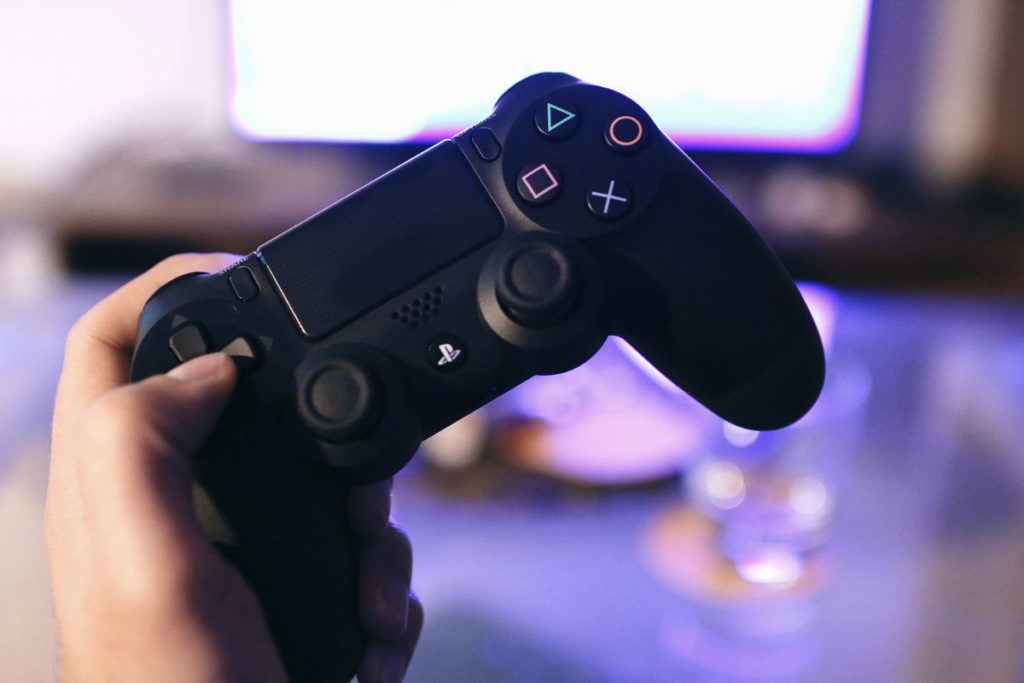
A Compatible PS4 Controller? (Dualshock)
So, what kind of PS4 controller can you use on the PS5? Well, let’s start with the basics. The DualShock 4 controller, which comes with every PS4 console, is fully compatible with the PS5. So, if you’re like me and you’ve got a collection of these bad boys lying around, you’re in luck.
They’ll work just as well on the PS5 as they did on the PS4.
But wait, there’s more. Third-party PS4 controllers are also compatible with the PS5. So, for all you bargain hunters out there, you can still use those cheap knockoff controllers you picked up at your local electronics store.
However, keep in mind that not all third-party controllers are created equal, so it’s best to check with the manufacturer to make sure they’ll work with the PS5 before you buy.
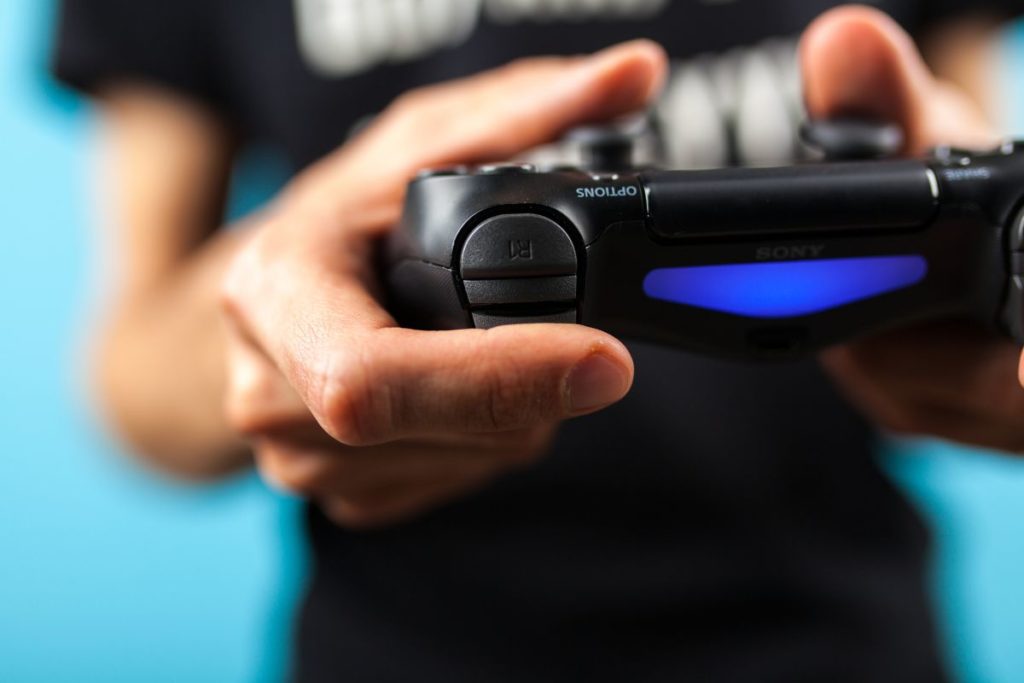
Connecting A PS4 Controller to PS5 (Do You Need An Adapter)
Now, let’s talk about actually getting those controllers to work with the new PS5 console. The good news is, it’s pretty straightforward. You can use a USB cable (or adapter) to connect your PS4 controller to the PS5 if you want to play right away.
If you don’t want the hassle of having a cord (and who does), you can also connect your controller to a PS5 via Bluetooth (of course this just opens up the entire world of gaming).
The PS5 is pretty user-friendly and will walk you through the process of connecting your Bluetooth Dualshock controller so even if you aren’t tech-savvy it should be no big deal.


Limitations of Using A PS4 Controller on PS5 (Do They Work On All Games)
Now, before you get too excited (although you should be), there are a few limitations to using your trusty Dualshock controller on the PS5. For starters, you won’t be able to enjoy the new haptic feedback feature and adaptive triggers that buying and using a PS5 controller offers.
But, let’s be real, were you really using those features on your PS4 controller anyway?
Another thing to keep in mind is that certain PS5 games and features may not be compatible with the PS4 controller. So, before you go and buy that new PS5 game, double-check to make sure it works with your trusty old controller.
And finally, there may be some input lag when using a PS4 controller on the PS5. This will vary from person to person and may not even be noticeable for some. But, for those of you who are extremely competitive, this may be a deal breaker.
A PS4 Controller VS PS5 (What’s The Difference)
Okay, let’s talk about the PS4 controller vs the PS5 controller. This is far from an in depth review but I will try to give you the basic difference when using these controllers to game on your TV.
First off, let me just say, the PS5 controller is a real looker. It’s sleek, it’s sexy, it’s…well, it’s just plain better looking than the older controller. But although the PS5 controller looks like a freshly painted sign looks aren’t everything, right?
So let’s dive a bit deeper.
The PS5 controller, also known as the DualSense, has some features that the Dualshock controller just can’t compete with. For example, the DualSense has haptic feedback and adaptive triggers, which add a whole new level of immersion to your gaming experience.
I mean, have you ever played a game where you can actually feel the tension in the trigger as you’re pulling it? It’s pretty wild. And the haptic feedback? Let’s just say that it’ll make you feel like you’re actually in the game.
But the PS5 controller isn’t just about fancy new features, it’s also about the little things. For example, the DualSense has a built-in microphone, so you can chat with your friends without having to wear a headset. It also has a USB-C charging port, so you can charge it up in no time.
And let’s not forget about the battery life, which is a big improvement over the Dualshock
On the other hand, the Dualshock controller is like that old t-shirt you just can’t seem to get rid of. It’s comfortable, it’s familiar, but it’s just not as cool as the new kid on the block.
Sure, it’s still a solid controller and it gets the job done, but it’s just not as exciting as the DualSense.
In conclusion, the PS5 controller is like that shiny new sports car you’ve always wanted, while a Dualshock controller is like your trusty old pickup truck. Both will get you where you need to go, but one is just a lot more fun to use while gaming on your TV!
Do PlayStation Controllers Connect Over Wi-Fi?
Have you ever wondered how PlayStation controllers connect wirelessly? Do they connect over Wi-Fi or how exactly do they do it?
Playstation controllers (no matter whether you have PS4 or PS5) do not connect over Wi-Fi. The only way to connect your Playstation controller to a device is through a wired or Bluetooth connection.
But let’s say for a moment that Playstation controllers did connect over wifi. Can you even imagine the disaster that would ensue? If your controller randomly disconnected during an intense gaming session because someone in your house decided to stream Netflix?
Or getting your controller stolen because some hacker figured out how to connect to it over Wi-Fi? No, thank you.
In conclusion, Playstation (PS4 or PS5) controllers do not connect over Wi-fi. And honestly, it’s probably for the best. Let’s just stick to the tried and true wired and Bluetooth connections, shall we? It’s one less thing to worry about while trying to save the world from alien invasion.
Final Thoughts
All in all, while there are some limitations to using your PS4 controllers on the PS5, it’s certainly possible. So, if you’re not ready to let go of your trusty old controller just yet, you can still use it on the new console.
Can all PS4 controllers be used on PS5?
Yes, both official DualShock 4 controllers and third-party PS4 controllers are compatible with the PS5.
Does using a PS4 controller on PS5 affect the gaming experience
Yes, you may experience some limitations, such as lack of haptic feedback and adaptive triggers and also some games or features may not be compatible with the PS4 controller. Additionally, there may be some input lag when using a PS4 controller on the PS5, but it varies from person to person.
Can I use a PS5 controller on a PS4 console?
Unfortunately, no. The PS5 DualSense controller is not compatible with the PS4 console. But, why would you even want to do that? You already have a perfectly good PS4 controller, don’t you?