
*This post may contain affiliate links. As an Amazon Associate we earn from qualifying purchases.
Have you been wondering if you can get the shiny new PS5 controller working on your trusty old PS4? Well, wonder no more!
I have done the research and am here to share with you everything you need to know about the compatibility (or lack thereof) between the PS5 controller and the PS4.
So does a PS5 controller work on a PS4?
Unfortunately, a PS5 controller won’t function with a PS4 out of the box. The only way to get your new PS5 controller to work with your PS4 is to purchase a Bluetooth adapter.
So yes, you can get PS5 controllers to work if you buy an adapter but it won’t work without buying one of those.
Let’s start with the basics: PS5 controllers, also known as DualSense controllers, are the new and improved version of the DualShock controller that we all know and love. It comes with a few extra bells and whistles, like haptic feedback and adaptive triggers, that are supposed to make your gaming experience even more immersive.
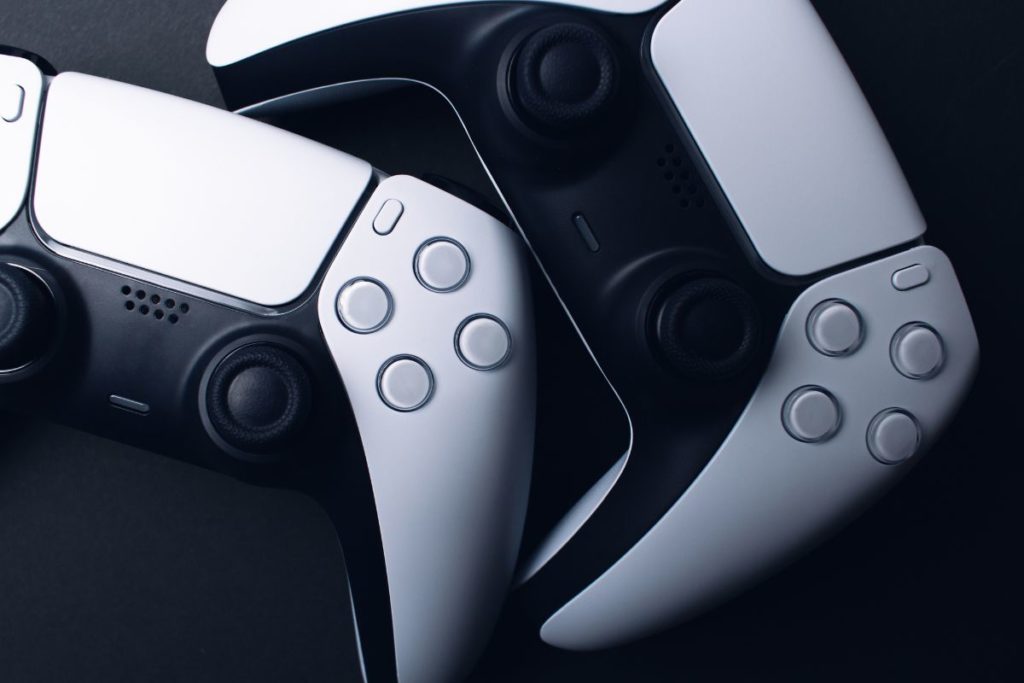

PS5 Controller & PS4 Compatibility (Will It Work On A PS4)
The short answer is no, the PS5 controller cannot technically be used on a PS4 console on its own to play games. But, if you’re determined to use your PS5 controller on a PS4, the good news is that it is possible to connect it to the console via a Bluetooth adapter.
For most people, if you have to buy a Bluetooth adapter that will make it not even worth using on your PS4 console as you can just go and buy a PS4 controller instead. However, if you got PS5 controllers somewhere for really cheap you can connect them and use them on a PS4 console by getting that adapter.
It should also be noted that even if you do get a Bluetooth adapter you will miss out on some of the functionalities of your new PS5 controllers.
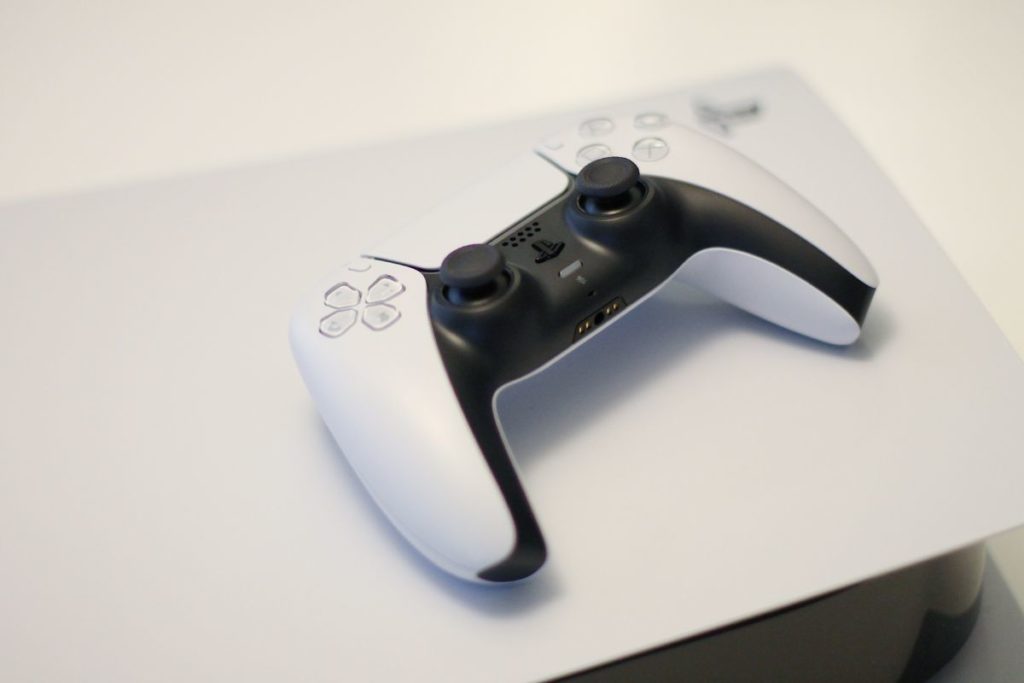
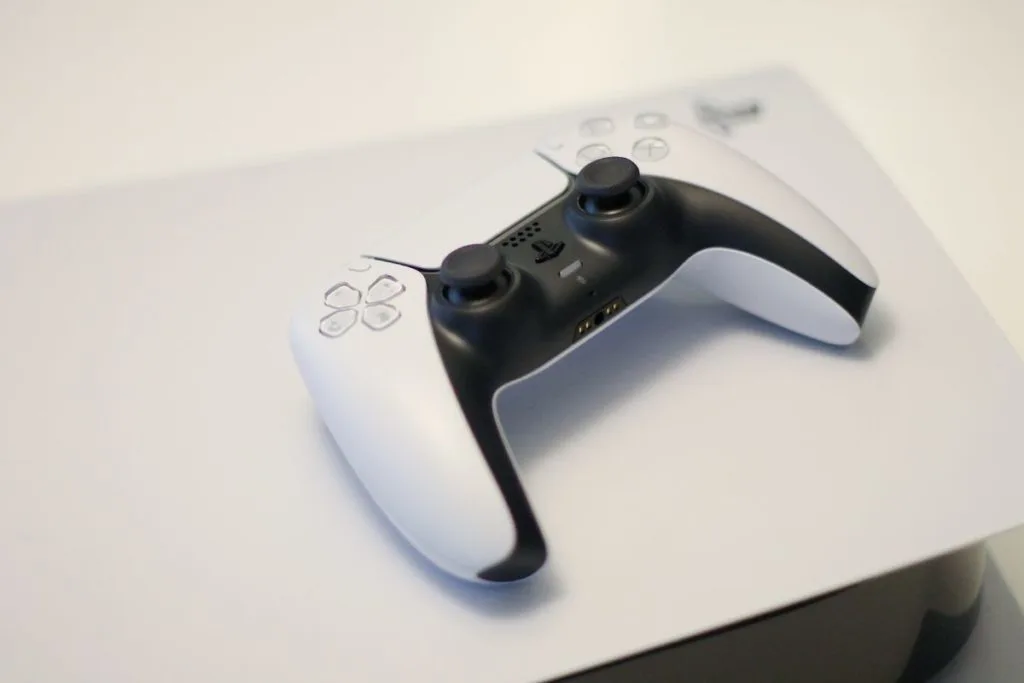
Dualsense PS5 Controller Play Features On The PS4
Ok, so you might not be able to use all the fancy features of the PS5 controllers on a PS4 console, but what about the games that are specifically designed for the PS5? Well, unfortunately, you’re out of luck there too.
The PS5-specific features like haptic feedback and adaptive triggers are only available on games that are specifically designed for the PS5 and won’t be available on the PS4 console.
3rd-Party Accessories
So, if you’re looking to enhance the compatibility between your PS5 controllers and PS4, there are a few third-party accessories that you can use. These range from simple USB adapters to more complex devices that claim to enable all the features of the PS5 controllers on a PS4 console.
But as with anything in life, buyer beware. Some of these accessories might not operate as advertised and some might not function at all.
Potential Workarounds
If you’re still determined to use your PS5 controllers on a PS4, there are a few potential workarounds that you can try. One of them is to use the controller in “PC mode” which can help with some of the compatibility issues.
Another is to download and install additional software that allows the PS5 controllers to work with more games on a PS4. But be prepared for a lot of trial and error, and don’t say I didn’t warn you.
Differences Between PS4 & PS5 Controllers (Real Remote Play Test)
This is far from an extensive review but anyone can tell that the differences between PS4 and PS5 wireless controllers are like night and day, my friend. First off, let’s talk about the PS4 controller. It’s like your trusty old flip phone. Sure, it still gets the job done, but it’s not exactly the newest or most advanced technology out there.
Now, let’s talk about the PS5 wireless controller. It’s like upgrading from that flip phone to the newest iPhone. It’s sleek, it’s sophisticated, and it’s packed with features that will blow your mind.
The haptic feedback is like nothing you’ve ever felt before, it’s like the controller is talking to you. The adaptive triggers let you feel the tension of pulling a bowstring or the resistance of driving through mud. It’s like being fully immersed in the game.
But let’s not forget about the design.
The PS4 controller looks like it was designed by a 5-year-old with a box of crayons. Meanwhile, the PS5 controllers look like they were crafted by a team of engineers who specialize in making things look cool and futuristic.
It’s like the difference between a Volkswagen Beetle and a Lamborghini.
In short, the PS5 controllers are the future, while the PS4 controllers are the past. The PS4 controller is like a rotary phone, it still works but it’s outdated and you’ll look ridiculous using it. The PS5 controllers are like a Smartphone, advanced, sleek and modern.
So, if you want to experience gaming in the most advanced way possible, it’s time to upgrade from that old PS4 controller and make the switch to the PS5 controller.
Both of these controllers (and consoles) are loads of fun since you can use them to play online (via Wi-Fi). And nothing beats playing on your big-screen TV (cause it sure beats playing on a small PC screen) but unfortunately the controllers from the newer console won’t work on the older PS4.
To get a more thorough comparison of the new vs old tech in these controllers check out the different buying guides for each controller.
Final Thoughts
So, can the PS5 controller function on a PS4? Technically, no, not without getting the right adapter. Despite some game guides claiming that you just have to click enable remote on a play app unfortunately that isn’t the case.
However, even if you get that adapter the PS5 controller will still have some limitations and issues that come with it.
So is it really worth it? I’ll let you decide.